Welcome! This guide will teach you the basics for large language models (LLMs) running on your own hardware. LLMs are used for generating text, so it will be useful for coding, chatting and so on.
1. Know the basics
We will use some terms that might be new to you so here's a simple definition for each:
- Model weights: The learned numerical values that define a model.
- Token: What the LLM perceives as a "piece of text". Can be a word, part of it, or something else.
- Parameters: Learned values that make up the model.
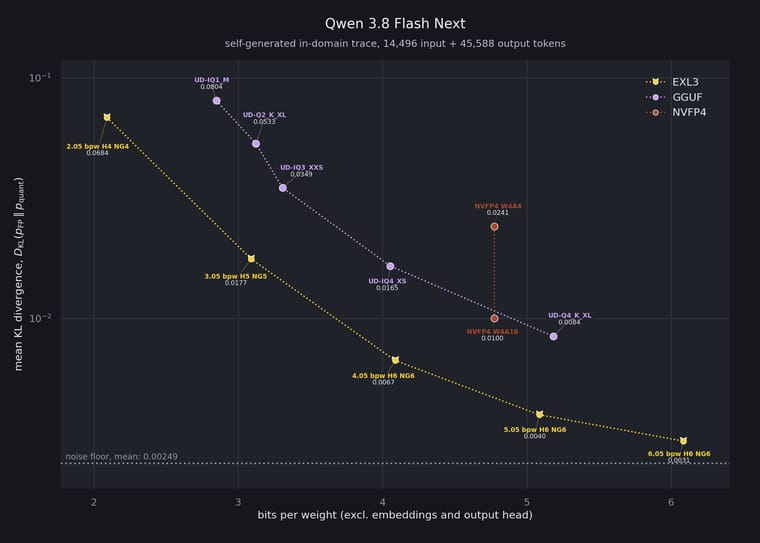
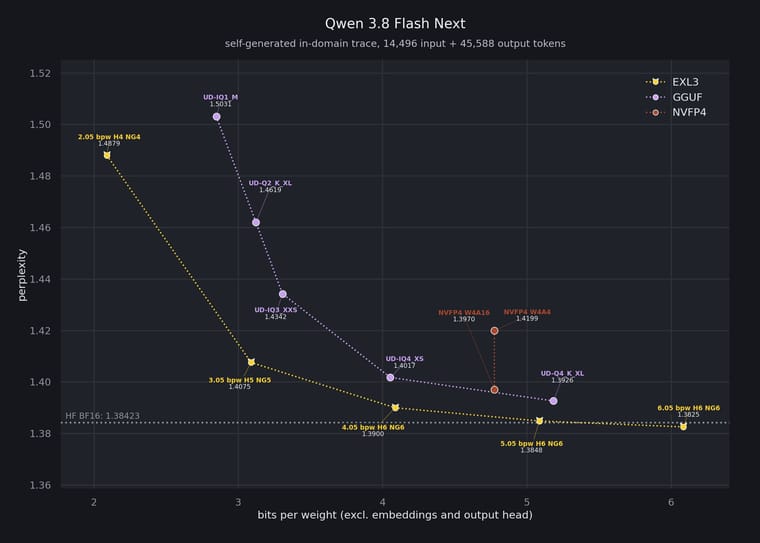
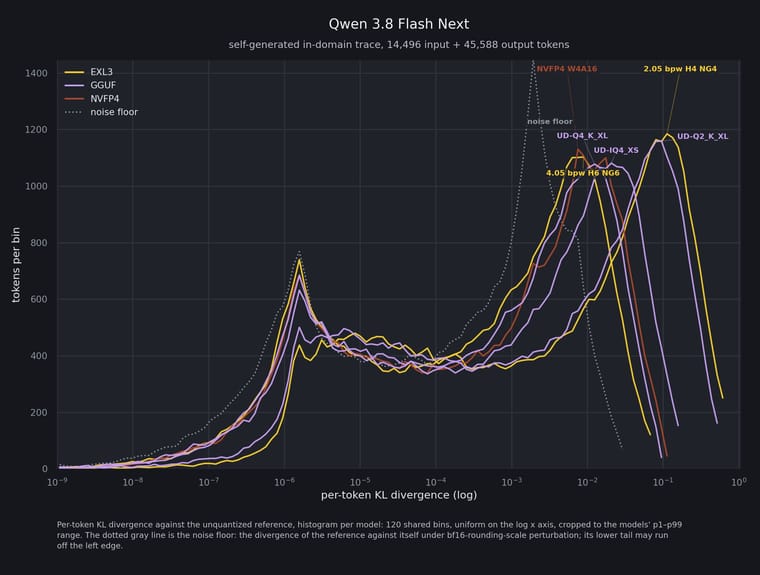
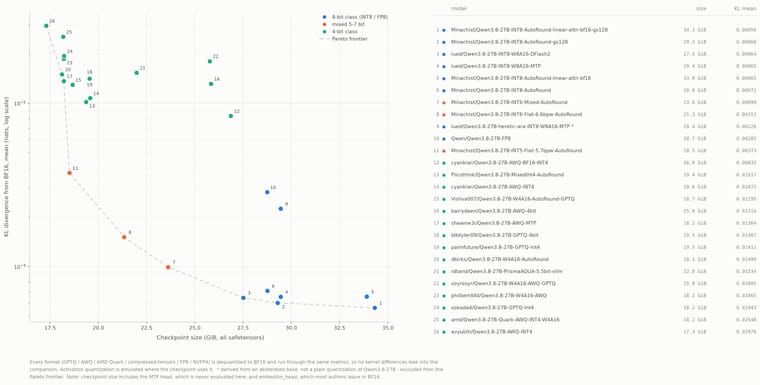
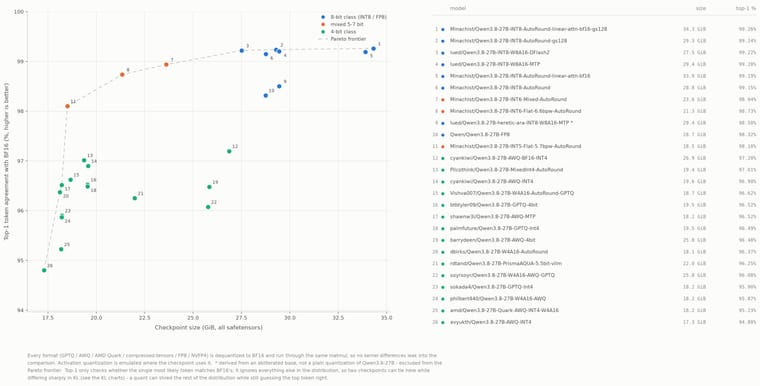
- Quantization: Storing model weights at lower precision to reduce memory usage, for example, Q4_0 uses ~4 bits per weight.
- Context: Amount of tokens that a model can remember.
- KV cache quantization: Reducing the precision of the context.
2. Choosing an engine
The inference engine is the program that loads the model, and serves it to your tools. Here are some baseline recommendations.
- llama.cpp: Simplest to use, has a WebUI, lots of support. There almost always is a better option or atleast a fork that better suits your workload (especially on MoE's), but a good starter nonetheless.
- vLLM: The gold standard, supports almost any model but picky on hardware, awesome concurrency but lacks good offloading, lets you pick between many kernels (Flash Attention, Flashinfer, ...).
Note: there are many many more options, if your card has good support consider using engines specifically for your hardware (e.g. ninfer, halogen).
3. Choosing a model
Usually VRAM will be your limiting factor, so start by running a model that will comfortably fit in yours, remember that you have to fit the model weights + KV cache + runtime overhead.
Also note that engines can only run specific model "packaging" formats, as an example:
- llama.cpp (and its forks) can run GGUFs.
- vLLM can run safetensors.
For starters, to overcome this limitation, we will use:
- Quantization (4-6bit is a good baseline, includes Q4_K_M, Q6_K_XL, W4A16, ...).
- KV Cache quantization (8bit is a good baseline, includes q8, fp8, int8, ...).
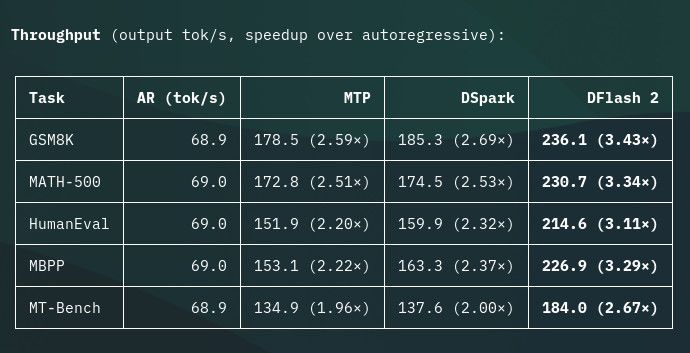
To improve our speeds we can also use drafting, although this will have a small VRAM penalty.
You can also overcome this limitation by using MoE models instead of dense ones, explained here.
4. Actually running it
If you plan on running multiple models on different engines, I recommend llama-swap, it simplifies greatly the process.
As a tip, to configure these engines, don't just tell a model to "Optimize and run for X hardware". Instead, understand what the launch parameters do and specify it to the model, for example:
"Install beellama.cpp latest on this machine and setup X model, use the Q4_K_XL and Q8 kv cache, I plan to have no concurrency, and I don't mind it loading slowly, make me a script to run it with and without drafting".
No AI used